✌ Winky
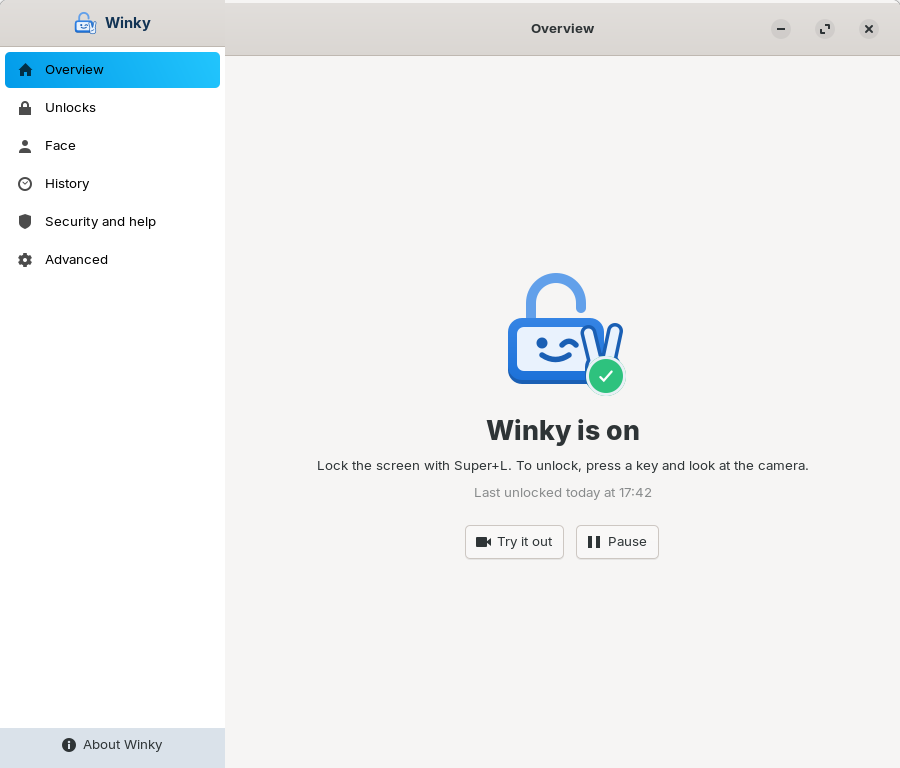
Face unlock like Windows Hello for Zorin OS and Ubuntu (GNOME), with the laptop's infrared camera. Free and open source.
Download Documentation Deutsch
What Winky does
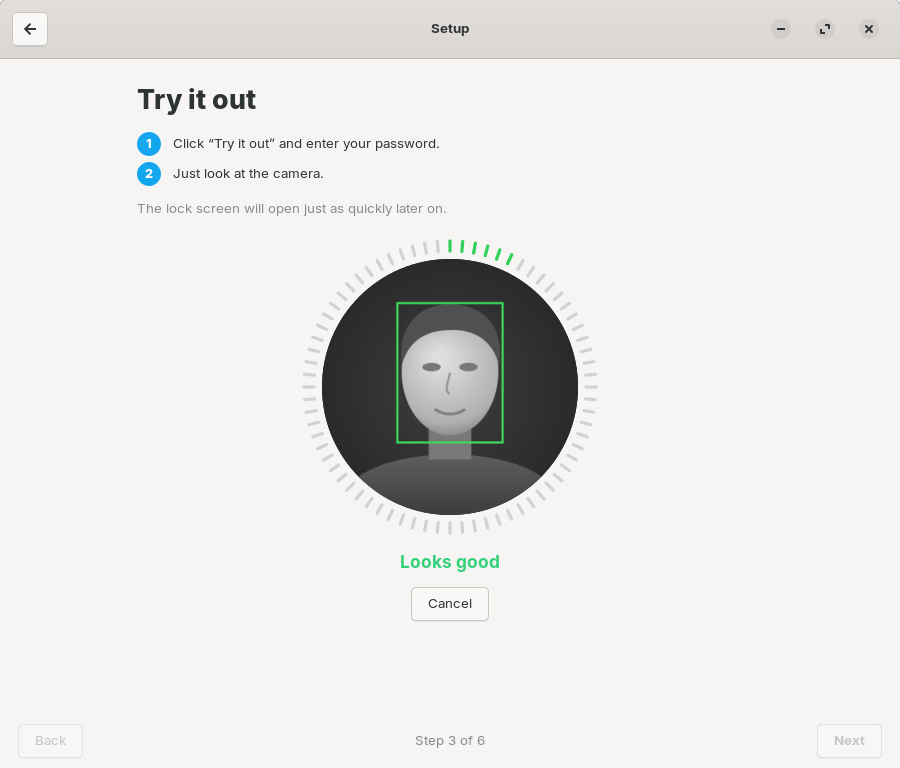
- Unlock the lock screen with your face: press a key, look at the camera, done in about a second.
- Optional: log in after startup with your face, confirm
sudoand administrator dialogs (updates, software) with face and the ✌ sign, open KeePassXC (2.8+). - History: see afterwards every sudo command you approved with ✌, handy when an AI assistant or a script uses sudo for you.
- Your password always works. Photos on phones or screens are invisible to the infrared camera.
- No pictures are stored, no network access, setup in a few minutes without the terminal. English and German.
Install
Download winky_…_amd64.deb from the releases page and double-click it. Updates then arrive through the software manager. Or set up the package source by hand:
sudo wget -O /usr/share/keyrings/winky-archive-keyring.gpg https://dieschatten.github.io/winky/winky-archive-keyring.gpg
sudo wget -O /etc/apt/sources.list.d/winky.sources https://dieschatten.github.io/winky/winky.sources
sudo apt update && sudo apt install winky
Signing key: AC60 2CDB 8464 31CF 6787 2100 A0B2 C5BB 34E5 B149
Needs an infrared camera (Windows Hello camera) and GNOME with GDM, e.g. Zorin OS 18 or Ubuntu 24.04. So far tested on two laptops, including a Microsoft Surface Laptop 4; use at your own risk. Risks and limits are described openly in SECURITY.md.